TOWNEW CUSTOMER SUPPORT

How can we assist you today?

Find official solutions for device setup, continuous refills, motion sensing, and thermal sealing.

Popular searches:

Select Your TOWNEW Device

Choose your hardware model to filter official guides, matching refill formats, and factory specifications.

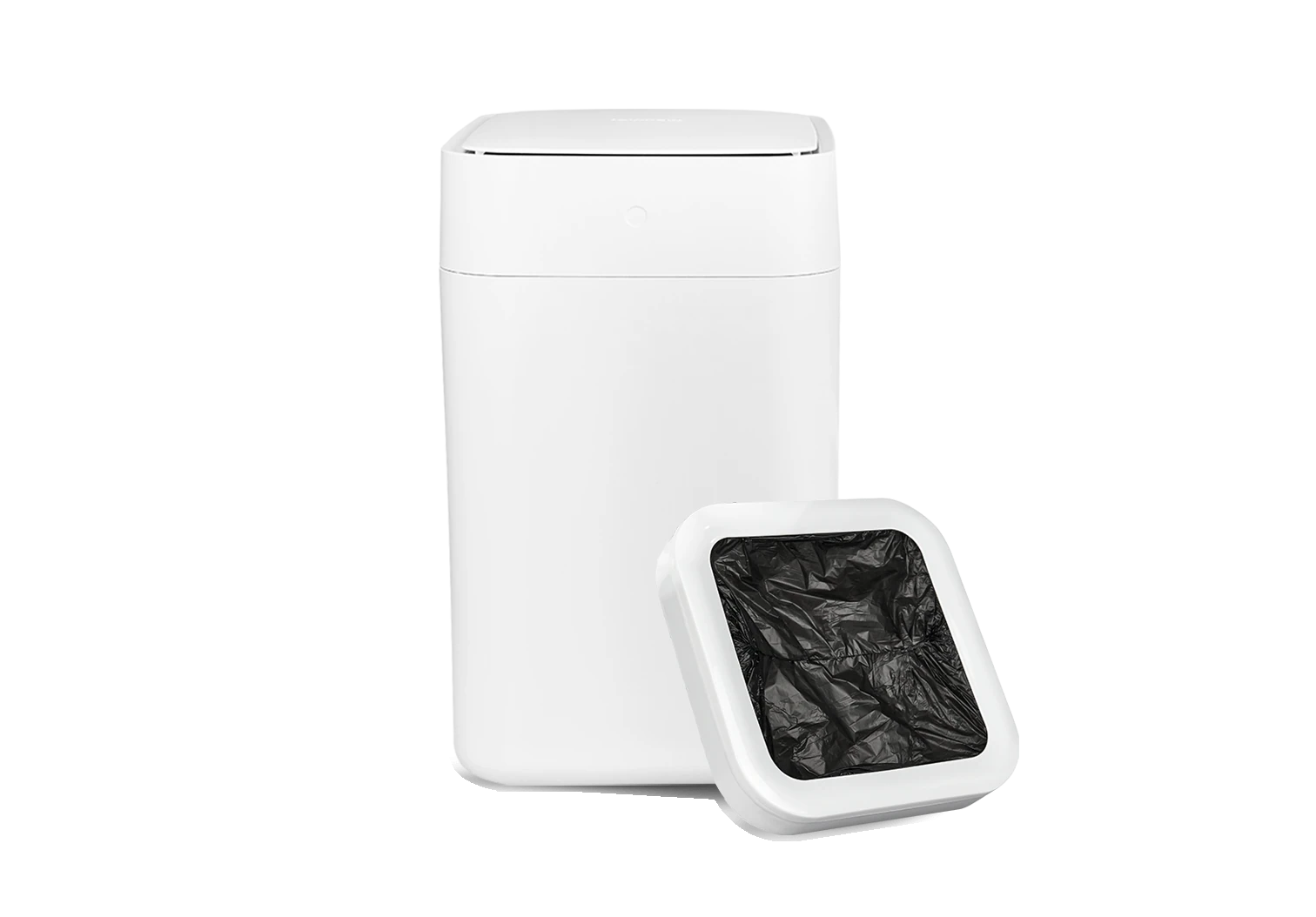
TOWNEW T1
15.5L AUTOTOWNEW T1Flagship 15.5L System
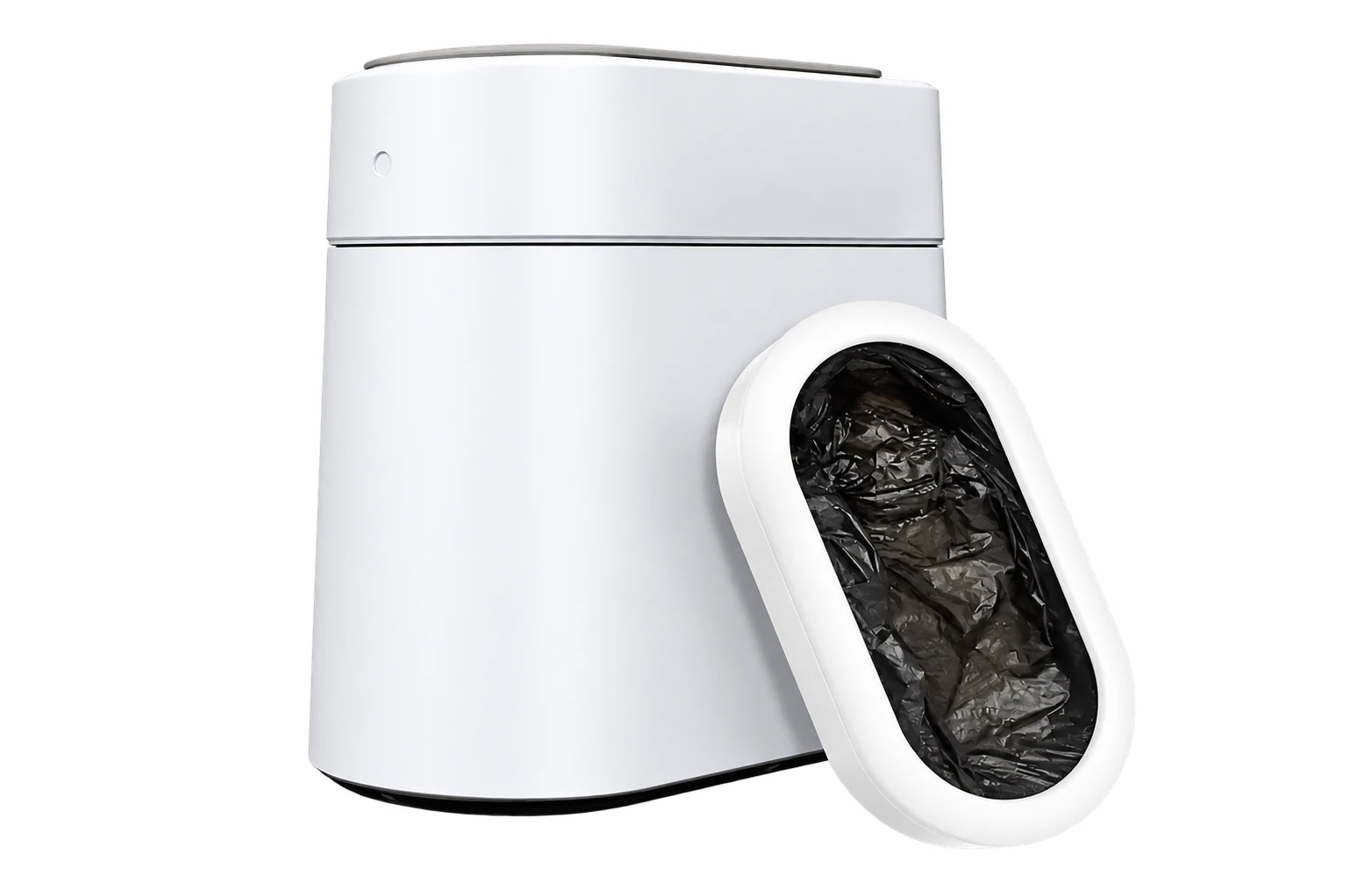
TOWNEW T3 Slim
7.9" SLIMTOWNEW T3 Slim7.9" Slimline IPX3
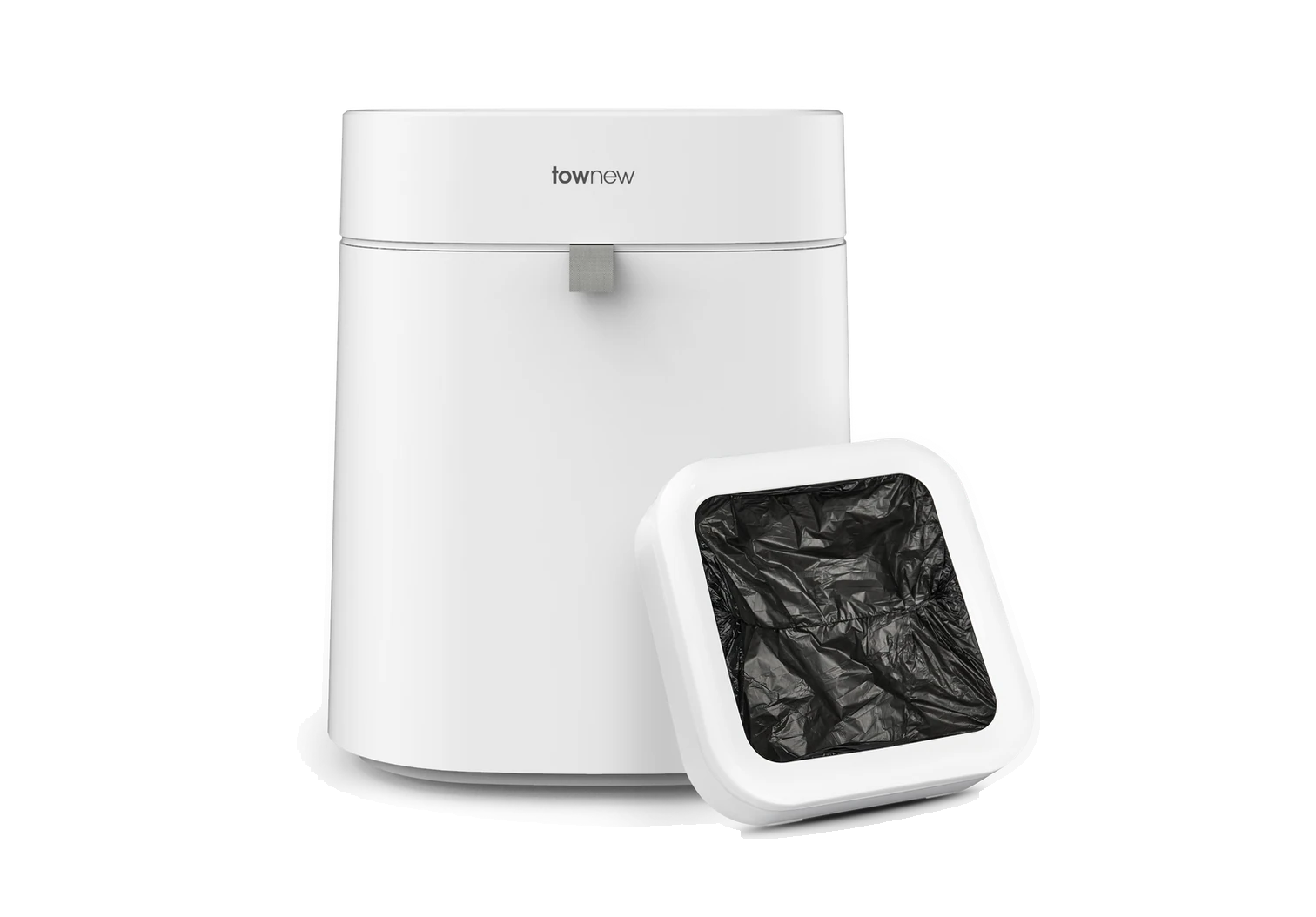
TOWNEW T Air Lite
16.6L OPENTOWNEW T Air Lite16.6L Open-Top Bin
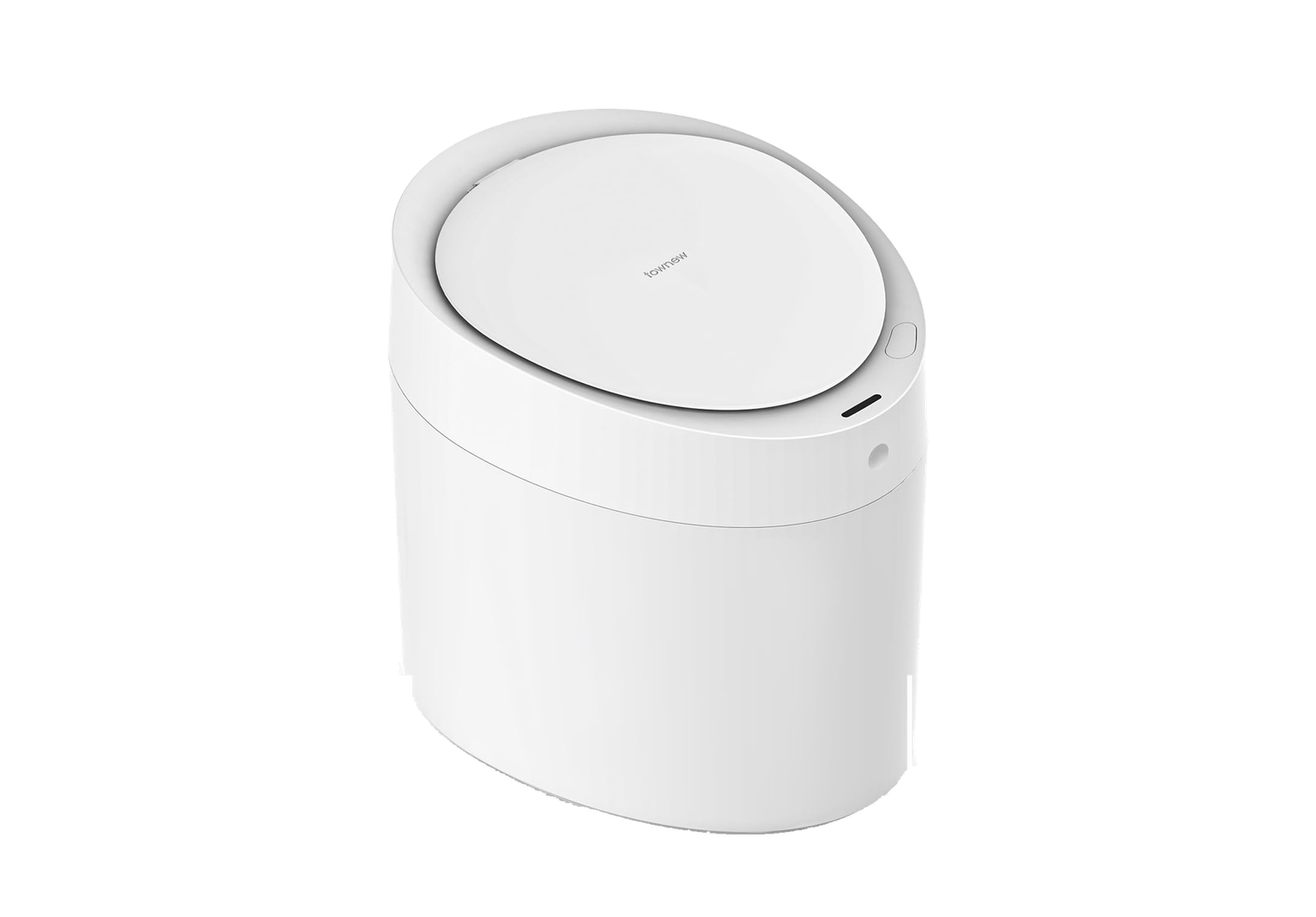
TOWNEW T Air One
10L COMPACTTOWNEW T Air One10L Compact BMS
TOWNEW S2000
PNEUMATIC 16LTOWNEW S2000Model T16 Pneumatic

Browse Solutions by Category

Explore step-by-step procedures organized around core operating mechanics.

Refills & Continuous Bags

Installation of official refill rings, pneumatic suction alignment, and compatibility rules.

Motion Sensors & Lid Operation

Infrared calibration (25–35 cm), toggle Normally Open Mode, and clean sensor optics.

Thermal Sealing & Overload

Thermoplastic welding bars, beep codes, and automatic top elevation procedures.

Cleaning, Battery & Power

IPX3 splash limits, ABS housing care, USB-C/adapter charging, and storage guidance.

Knowledge Base & Troubleshooting

Official step-by-step resolution guides verified by engineering.

01
Refills and compatibilityModels: T1, T Air Lite, T3 Slim4 min read

Can I use regular trash bags with TOWNEW?

Ordinary bags may be installed manually in some situations, but they are not the supported automatic format. The recovered guide says TOWNEW refill rings are required to retain self-sealing and model-dependent fresh-bag placement.

02
Sensors and lidsModels: T3 / T3 Slim3 min read

T3 lid does not open with the sensor

Clean the infrared sensor, then briefly press the top button once to return the bin from open-lid mode to automatic sensing. Wave directly above the sensor and repeat the short press once if needed.

03
Sensors and lidsModels: T1, T3 / T3 Slim3 min read

T1 and T3 sensor range

The recovered support article describes motion detection up to 35 cm when movement is directly above the infrared sensor. Detection near the edge of the sensing area may occur at a shorter distance.

04
Cleaning and careModels: T3 / T3 Slim3 min read

How to clean TOWNEW T3

Use a lightly dampened soft cloth. If a cleaning product is needed, choose one confirmed safe for ABS plastic. Do not rinse, soak, or submerge the T3.

05
Sealing and bag changeModels: T Air Lite6 min read

How to seal a T Air Lite bag

Hold the sealing button for about two seconds until the cycle begins, wait for the sealing mechanism to return and the completion beeps, then lift the top compartment, remove the sealed bag, and push the next liner into place manually.

COMMON RESOLUTIONS

Frequently Asked Questions

Quick answers to essential questions regarding hardware operation, compatibility, and maintenance routines.

Can I use regular trash bags in my TOWNEW?

TOWNEW automated self-sealing and bag changing require official continuous refill rings. Regular bags can be manually fitted in emergencies, but all automated features are disabled.

Why did the trash can seal an empty bag?

Holding down the capacitive front touch button for 2+ seconds manually forces a thermal pack cycle, even if the can is empty. A quick single tap toggles Open-Lid Mode instead.

How long does a full battery charge last?

Depending on model and usage frequency, battery standby delivers 20 days (T Air One) up to 80 days (T3 Slim). You can also leave the unit plugged in full time.

How do I know which refill ring matches my unit?

T1 & T Air Lite share Standard square rings; T3 Slim takes narrow T3 rings; T Air One uses R15 rings; S2000 uses R16 19cm round cartridge boxes.

NEED PERSONALIZED ASSISTANCE?

Contact Customer Care

Can't find what you're looking for? Our dedicated product specialists are ready to assist with warranty claims, spare parts, and authorized retailer verification.

OFFICIAL DIRECT SUPPORT EMAILsupport@townew.com

Before Contacting Us:

  • Check the bottom label: Have your exact model name (T1, T3 Slim, T Air Lite, T Air One, or S2000) ready.
  • Battery & Charging: Verify if the charging indicator flashes or pulses when plugged in.
  • Refill Seating: Ensure the continuous ring is pressed flush with all magnetic snaps engaged.
  • Order Proof: Keep your retailer receipt or order ID accessible if requesting warranty evaluation.